TL;DR
Your IPPT window usually opens around your birthday after ORD, and the exact dates appear on the OneNS or NS Portal dashboard. Always check the portal early so you have enough time to train and book a test slot. If the window is missing or unclear, contact your unit administrator and confirm the schedule before the deadline.
Your IPPT window normally begins on your birthday after ORD, and the exact start and end dates are shown in the OneNS portal under the IPPT section. This window defines when you must complete your annual IPPT requirement as an NSman. If you cannot see the window dates in the system, check CMPB eServices or contact your unit administrator for confirmation. Once your dates are confirmed, decide which IPPT venue suits you best before booking a slot.
Why Your IPPT Window Matters?
The IPPT window determines the period when you must complete your annual fitness requirement. If the window closes without an attempt, the system may require additional sessions such as NS FIT or other follow-up instructions. Checking the dates early helps you avoid last-minute problems and gives you time to prepare.
Many NSmen realise their window too late because they depend only on reminder messages. Notifications are helpful, but they are not guaranteed to reach everyone on time. Checking the portal personally ensures you always know your correct IPPT schedule.
If you are unsure whether you are required to take IPPT this year, review IPPT eligibility requirements. Understanding eligibility rules can prevent confusion about whether the window applies to you.
The Official IPPT Window Rule
How IPPT Windows Are Assigned
For most NSmen, the IPPT window is linked to the birthday after ORD. Once the birthday arrives, the system creates a new window during which the annual IPPT requirement must be completed. The exact dates are displayed on the OneNS or NS Portal dashboard.
According to MINDEF guidance on the National Service portal, NSmen must complete IPPT within the assigned window unless special circumstances apply. This approach ensures that fitness is maintained regularly across the reservist cycle.
Unit Adjustments and Operational Exceptions
Although the birthday rule applies in most cases, units may adjust schedules for operational or administrative reasons. For example, training schedules or organisational changes may affect when the system assigns the window.
Because of this, the dates shown in OneNS should always be treated as the official reference. If the portal dates differ from what you expect, contact your unit administrator and confirm the correct schedule.
For a full breakdown of how yearly windows are assigned and what NSmen must complete each cycle, read the IPPT window and annual requirements guide.
How To Check Your IPPT Window in OneNS?
Check the OneNS Portal
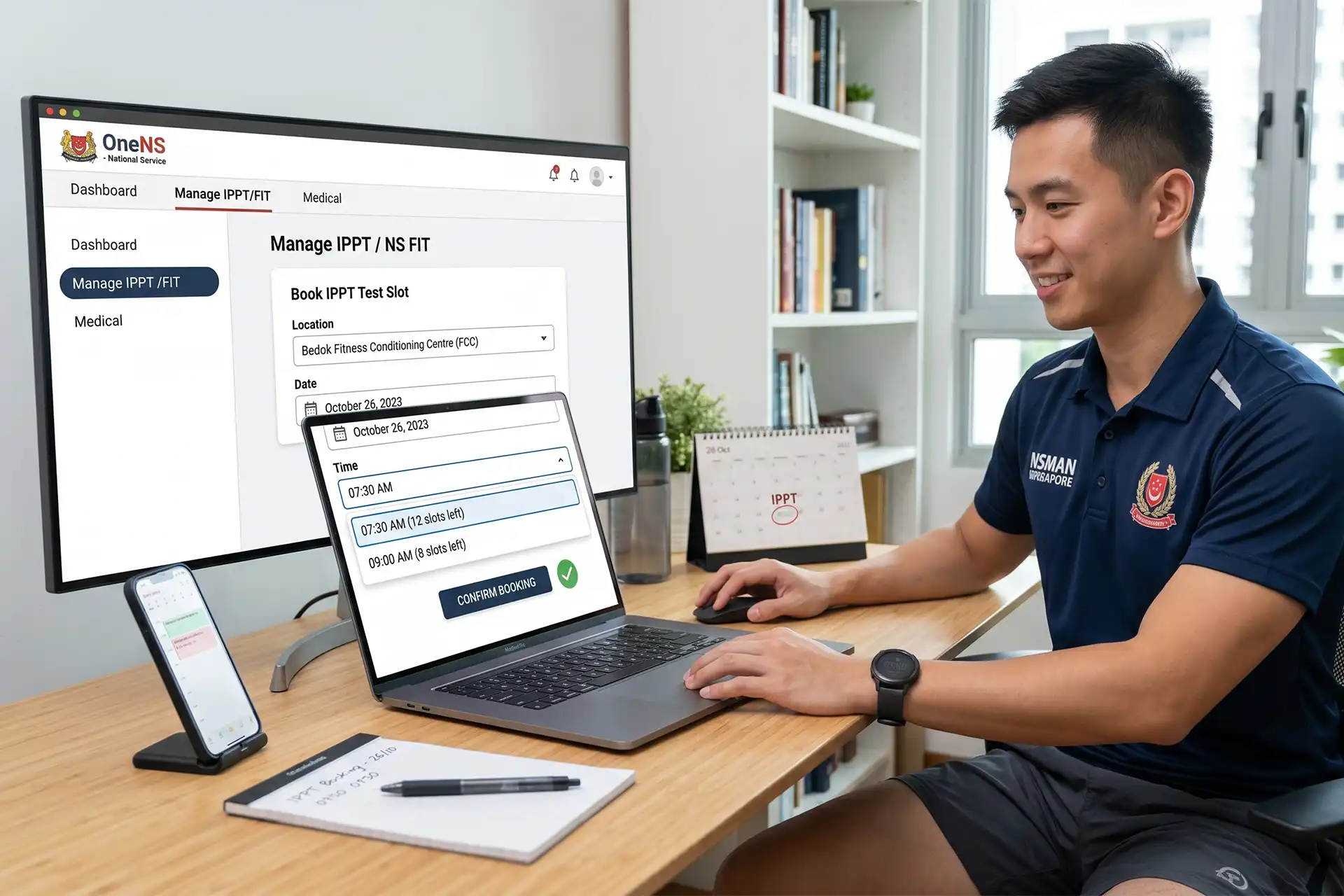
The easiest way to check your IPPT window is to log into the OneNS portal using your SingPass. After signing in, open the IPPT or fitness section of the dashboard where your window dates are displayed.
You can usually confirm your window by following these steps:
- Log in to the OneNS portal using SingPass.
- Open the IPPT or Fitness section on the dashboard.
- View the IPPT window start date and end date.
- Check available IPPT booking slots within that window.
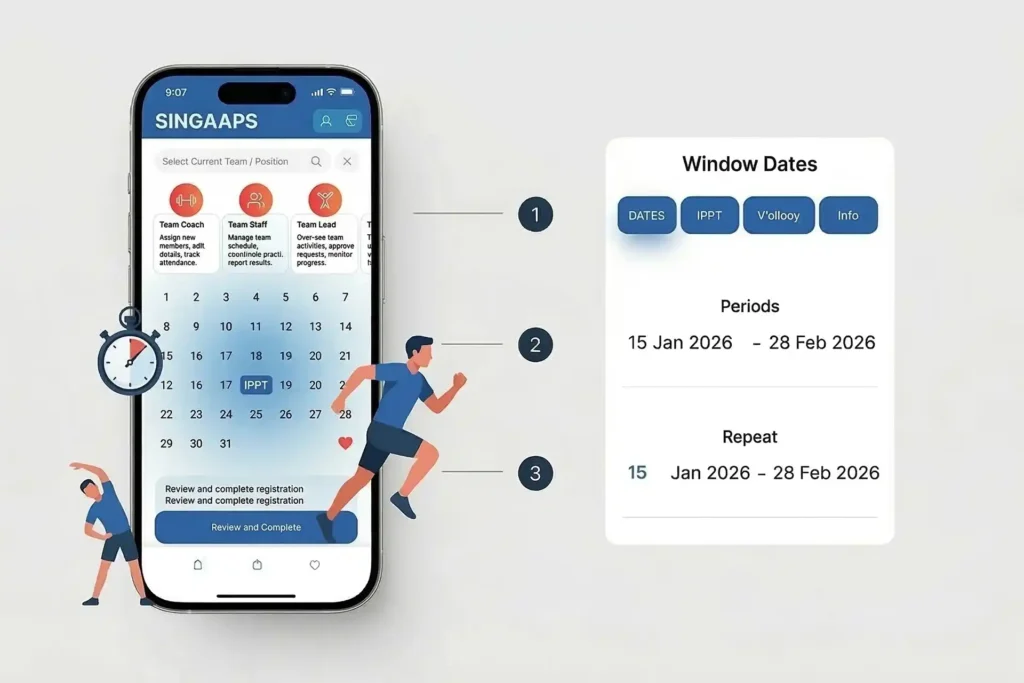
The system shows both the start date and end date of the window together with available booking slots. These dates define the official period when you can attempt the test.
After confirming the dates, take a screenshot for your records. Keeping proof of the displayed schedule helps if you need to verify your window with your unit later.
If you want to know whether your current fitness level is enough to pass, try the NS IPPT calculator. Enter your push-ups, sit-ups, and run timing to estimate your score.
Check CMPB eServices for Updates
CMPB eServices sometimes show administrative notices related to IPPT scheduling or eligibility. Logging into CMPB can confirm whether any updates affect your booking status.
Look for announcements about booking windows, eligibility updates, or administrative instructions. If the information on CMPB differs from what appears on OneNS, save screenshots of both pages.
Providing these records helps administrators resolve the issue more quickly.
Contact Your Unit Administrator
If your portal does not display a window even though you expect one, contact your unit S8 or administrative office. Provide your NRIC and explain what the portal shows so they can verify the records.
Your unit administrator can confirm whether the window has been assigned or adjusted due to operational reasons. They may also advise whether you should attempt IPPT soon or wait for further instructions.
Keeping copies of any messages or emails from the unit is useful. These records can help if there is confusion about your IPPT schedule later.
What Happens If You Miss Your IPPT Window?
If you realise that your IPPT window has already closed, the first step is to contact your unit administrator immediately. Explain the situation and provide any relevant information such as travel commitments or medical issues. Depending on the circumstances, the unit may review the case and provide instructions on the next steps.
In many situations the system may require additional sessions such as NS FIT to help improve fitness before the next cycle. You can read more about NS FIT requirements for missed IPPT windows here.
If you want to understand how the system handles missed attempts, read what happens if you fail or miss IPPT requirements. This guide explains the possible follow-up steps.
Real Scenarios NSmen Often Face
| Situation | What Usually Happens |
|---|---|
| Newly ORD NSman | First IPPT window appears around next birthday |
| Overseas during window | Unit may review travel documents |
| Window missed completely | Additional sessions such as NS FIT may be required |
Newly ORD NSman
A newly ORD NSman usually receives the first IPPT window around the next birthday after completing service. Checking the portal early helps confirm the schedule and avoid confusion about when the yearly requirement begins.
Overseas Travel During the Window
If travel overlaps with your IPPT window, inform your unit before leaving Singapore. Providing travel details early helps administrators decide whether adjustments are possible.
Borderline Fitness Before Booking
Sometimes an NSman is unsure whether he is ready to pass IPPT. In this situation it helps to estimate the expected score before booking the test.
You can test different results using the IPPT score calculator. This helps you decide whether to attempt the test soon or spend more time training.
For guidance on preparing effectively, see IPPT preparation guide for NSmen.
Common Mistakes and How To Avoid Them
• Assuming reminder messages will always arrive before the window opens.
• Not checking the OneNS portal personally.
• Forgetting to keep booking confirmations or screenshots.
• Waiting too long before contacting the unit about portal issues.
Avoiding these mistakes makes it easier to manage your IPPT requirement each year. Checking the portal regularly and keeping simple records prevents unnecessary problems.
What To Do Next
First, log into the OneNS portal today and confirm whether your IPPT window has been assigned, then review the IPPT window and annual requirements guide so you know exactly how the cycle works and what deadlines apply. Save the displayed dates so you have a record of the schedule.
Second, estimate your expected score using the IPPT calculator. Knowing your approximate score helps you decide whether to book a test soon or train longer.
Finally, contact your unit administrator if anything in the system looks unusual. Early communication ensures your IPPT requirement can be completed without complications.
Frequently asked questions (fAQs)
For most NSmen, the IPPT window opens on the birthday after ORD. The exact dates are assigned by the system and displayed on the OneNS portal.
Log into the OneNS portal using SingPass and open the IPPT section of the dashboard. The portal will show the start and end dates of your assigned window.
If the window closes without an attempt, the unit may require additional sessions such as NS FIT depending on the situation.
Yes. As long as other slots are available within the same window period, you can usually change the booking date.
Yes. The birthday after ORD is commonly used as the reference point for assigning the yearly IPPT window.
Check CMPB eServices and contact your unit administrator with screenshots of the portal page so they can verify the schedule. If you might not clear it on the first try, check how many IPPT attempts you get per window.